Health Data Relay
Android app for backing up health data to Google Drive · Aug 2026
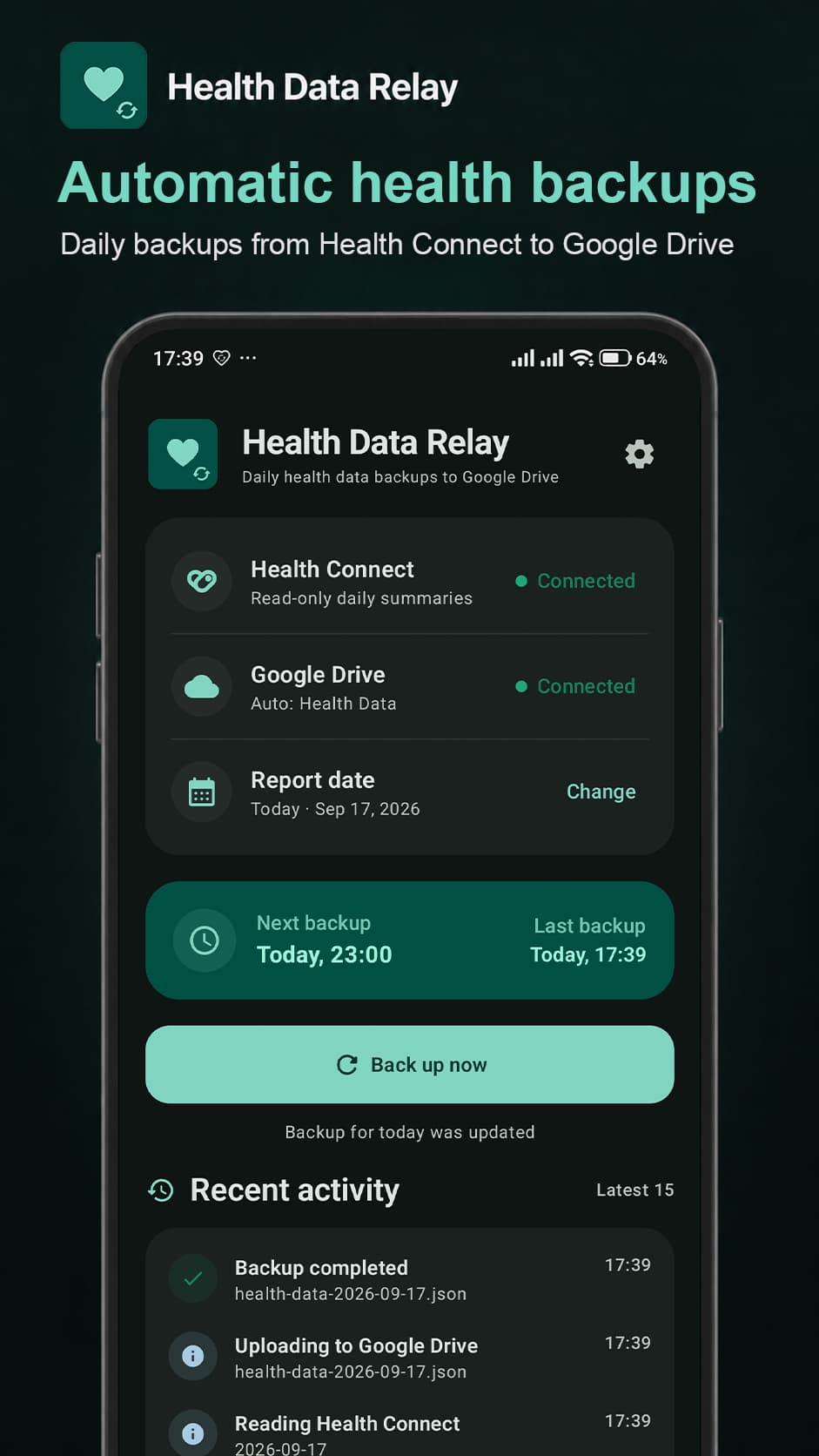
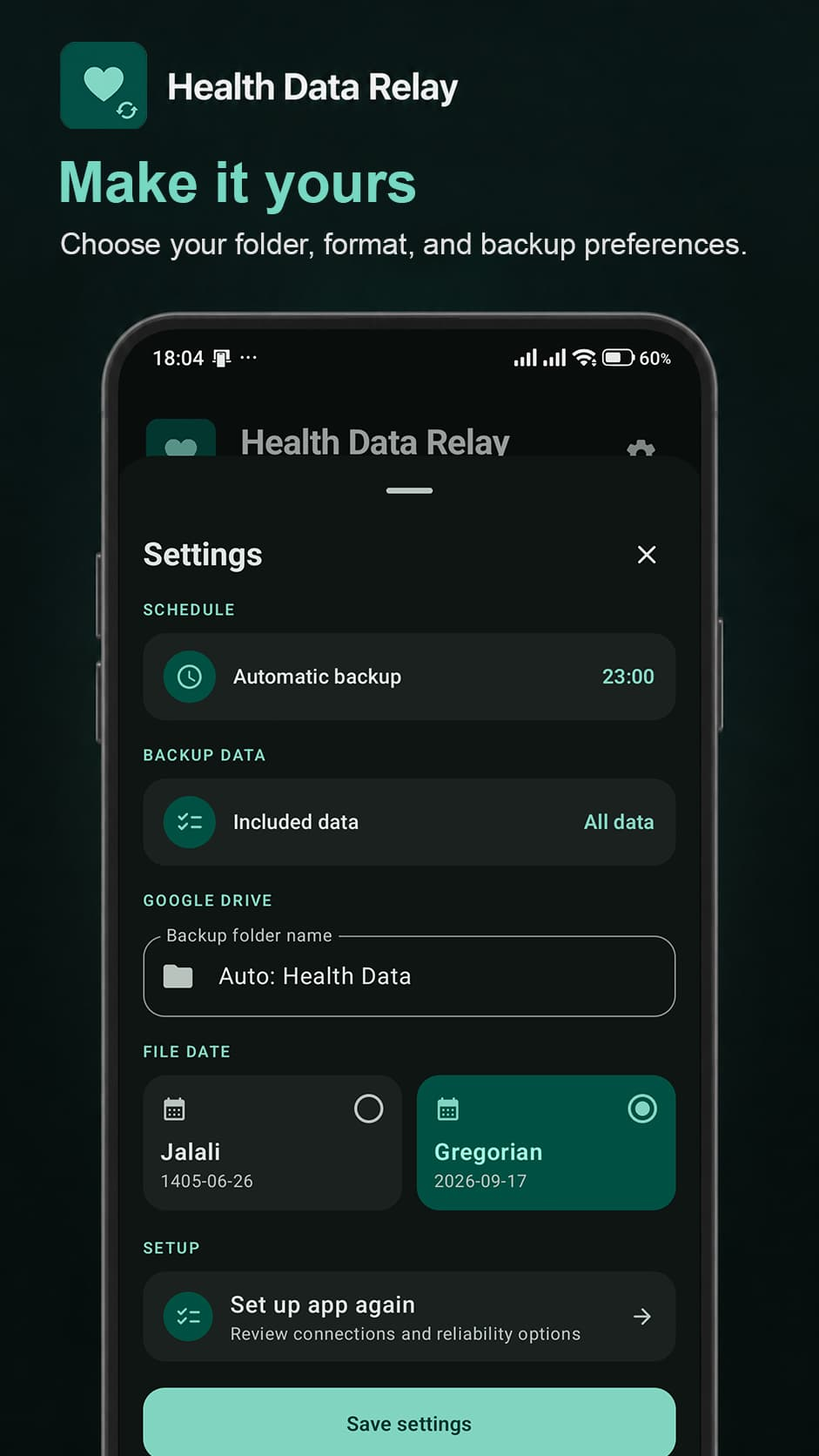
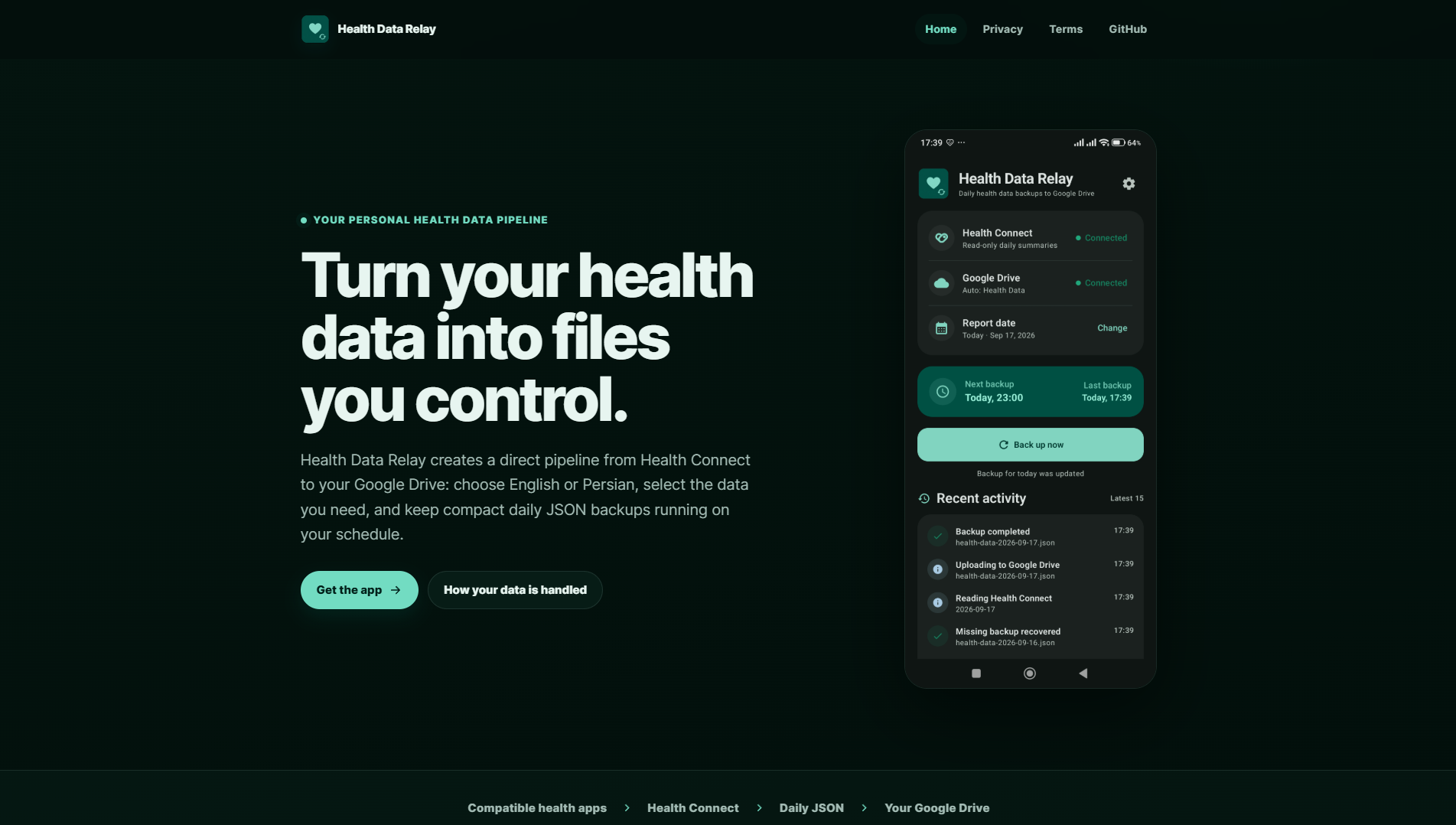
A privacy-focused Android app that creates a seamless, automated pipeline from selected Health Connect records to compact daily JSON summaries stored directly in a user-owned Google Drive folder.
Gallery
Features
- Creates configurable daily JSON exports from selected Health Connect data
- Runs scheduled backups, retries failures, and fills in missing recent backups
- Processes data on-device and uploads directly to a user-owned Google Drive folder
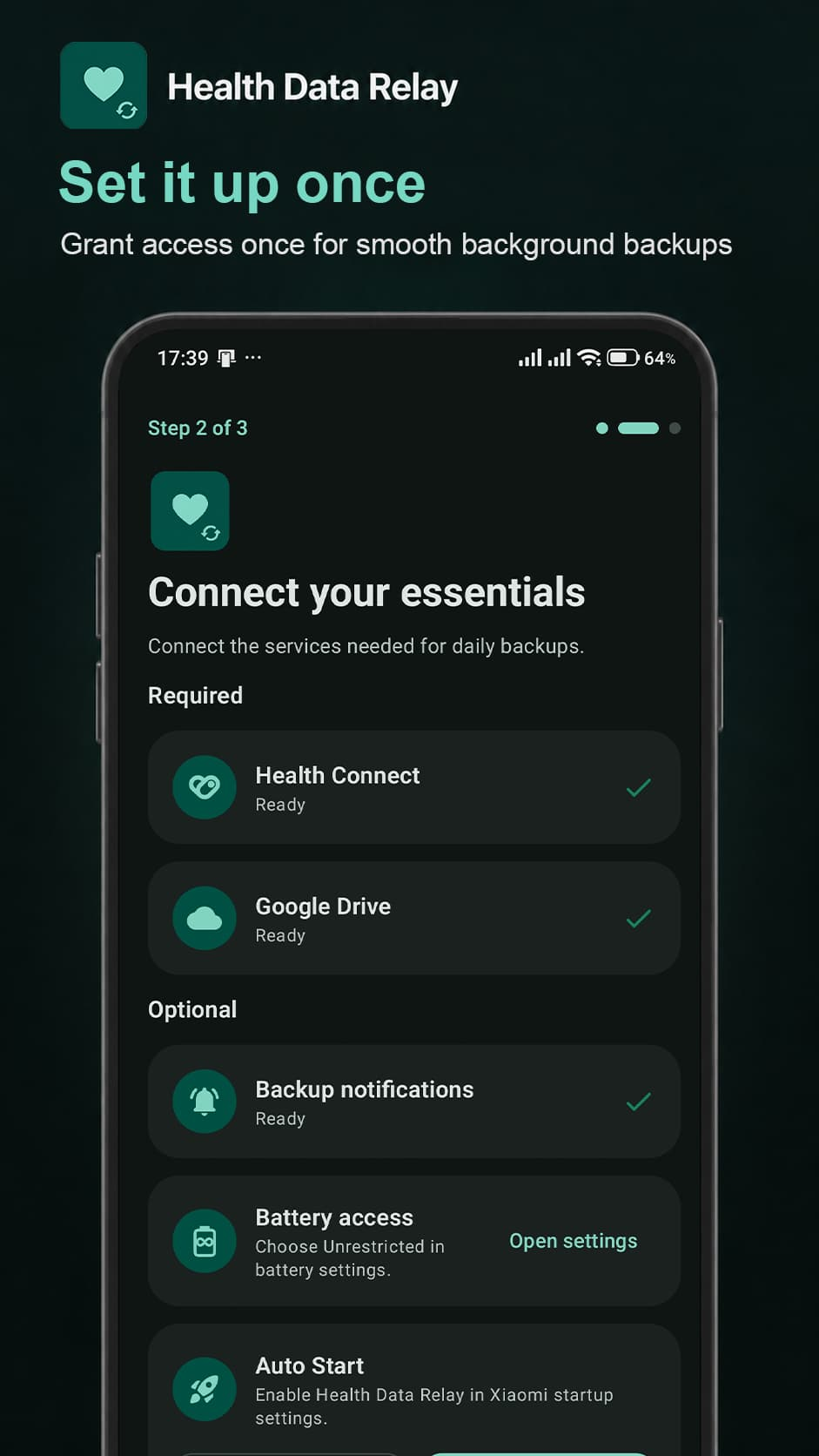
- Uses OAuth permissions for private access to each user's Drive data
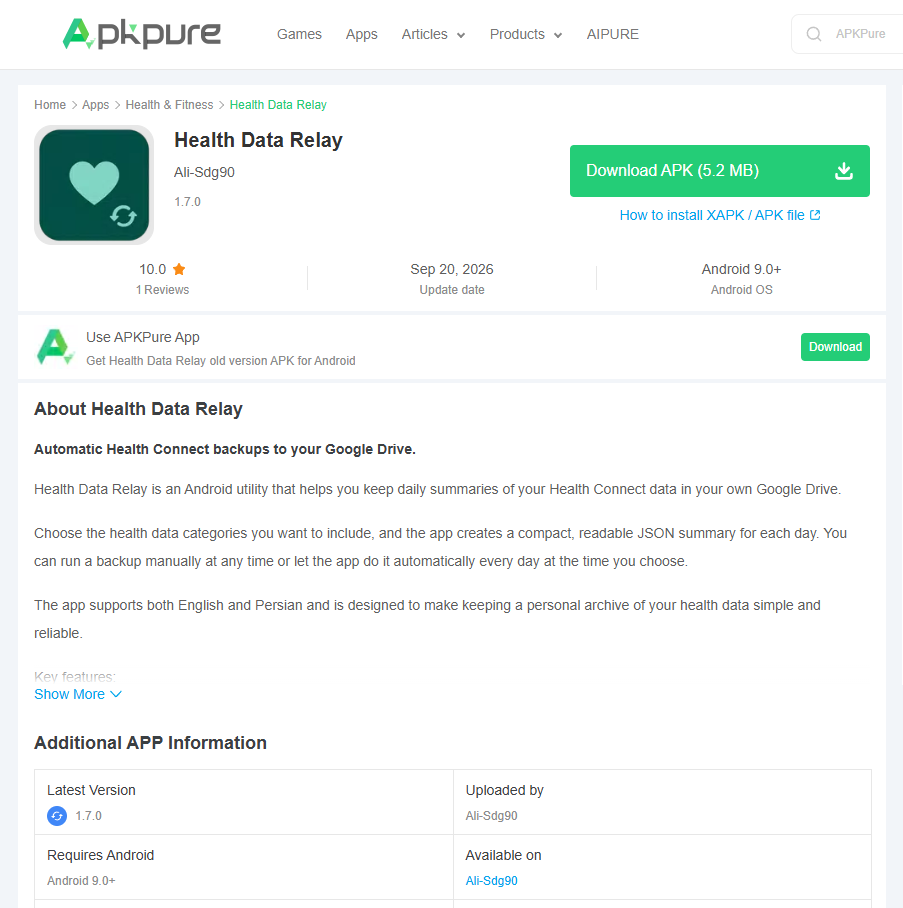
- Supports English and Persian and is published on Cafe Bazaar and APKPure
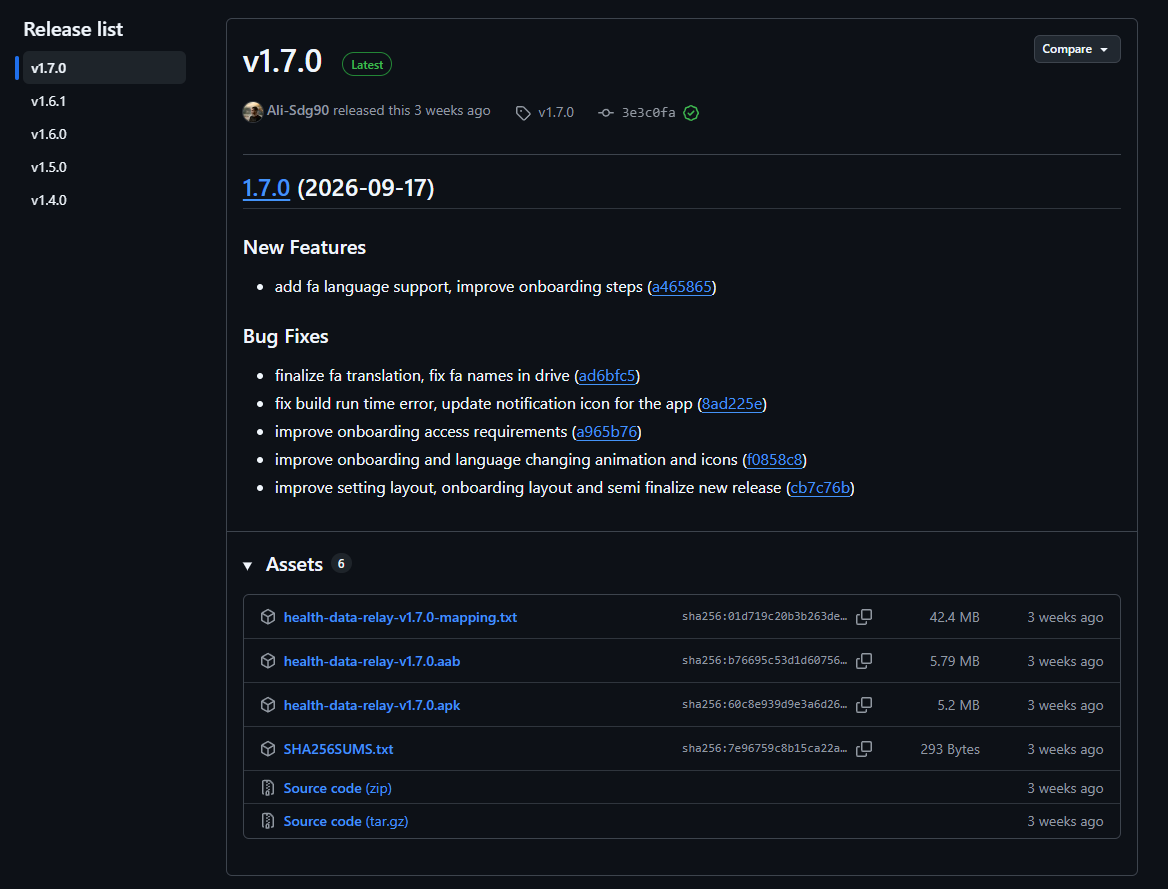
- Uses GitHub Actions to automate signed releases
Health Data Relay story
Continue reading
Health Data Relay started from a very simple personal need.
For a while, I had been building a system for myself that used AI to write my daily reports. Things like my commits, how I felt during the day, activity from my phone and laptop, and a few other signals were collected automatically, and the final report was saved to my Google Calendar.
I really liked that system, and at some point I thought it would be great if my health and sleep data could be part of it too.
So I started looking for an app that could take information like my steps, sleep, and workout activity from my phone and make it available in the exact way I needed.
I couldn't find anything that really did that.
Around the same time, I had recently built an internal Android app for a company, so Android development was still fresh in my mind.
I thought: why not build it myself?
And that's where Health Data Relay started.
The idea was simple. Read health data from Health Connect and, every day at a time chosen by the user, save a compact report of that day's data to their own Google Drive.
The implementation was not nearly as simple.
Along the way, I ran into a lot of things I had never worked with before. Health Connect APIs, permission management, reliable background backups with WorkManager, Google Drive API, OAuth, application signing, and CI/CD with GitHub Actions.
A few times, I also had to completely change the approach I had chosen and find another way forward.
One of the hardest parts was getting the Google Drive access the app needed. For the app to be able to write files to a user's Drive, I had to go through Google's application and review process.
That became one of the darkest parts of the entire project. :)
But little by little, all the pieces started working together.
Eventually, I reached the point where the app could do exactly what I originally built it for, completely automatically and without me having to think about it.
That was the point where I felt genuinely proud of what I had built.
Then I thought: I've already come this far. Why not publish it?
That way, I could learn the full process of releasing a real application and also turn the project from a personal tool into something I could actually share with other people.
That opened another completely new part of the journey.
Testing on different devices, app signing, releases, Google Play Protect verification, marketing images, a Privacy Policy, the project website, and finally publishing the app on Cafe Bazaar and APKPure.
From the start of development to release, the whole journey took around a month and a half.
Health Data Relay is a very niche app, and I know it isn't something everyone needs.
But for me, it became one of my favorite projects because it started from a real problem I had, forced me to learn a lot of things I didn't know, and eventually became a complete product that actually worked, was open source, and could be released publicly.
It was one of those projects where every time I moved forward, another layer of something I didn't know opened up in front of me.
And I think that's exactly why I love it so much.
Health Data Relay از یه نیاز شخصی خیلی ساده شروع شد.
یه مدت بود برای خودم سیستمی ساخته بودم که با کمک هوش مصنوعی گزارش روزانهم رو مینوشت. اطلاعاتی مثل commitهام، حالوهوای روزم، فعالیتهام روی گوشی و لپتاپ و یه سری چیزهای دیگه بهصورت خودکار جمع میشدند و در نهایت گزارش روز تو Google Calendar ذخیره میشد.
خیلی این سیستمم رو دوست داشتم و یه جایی با خودم گفتم خوب میشد اطلاعات سلامتی و خوابم هم توش باشه.
شروع کردم دنبال اپی گشتن که بتونه اطلاعاتی مثل قدمها، خواب و فعالیتهای ورزشی رو از گوشی بگیره و به شکلی که خودم میخوام در اختیارم بذاره.
چیزی که دقیقا نیاز داشتم پیدا نکردم.
همون زمان تازگی برای یه شرکت یه اپ اندروید داخلی ساخته بودم و دستم برای Android گرم شده بود. برای همین با خودم گفتم چرا خودم نسازمش؟
و Health Data Relay از همینجا شروع شد.
ایده اپ ساده بود. اطلاعات سلامت رو از Health Connect بگیره و هر روز در ساعتی که کاربر مشخص میکنه، یه گزارش خلاصه از اطلاعات همون روز روی Google Drive خودش ذخیره کنه.
ولی پیادهسازیش خیلی ساده نبود.
تو مسیر با چیزهای زیادی روبهرو شدم که قبلش بلد نبودم. از Health Connect API و مدیریت Permissionها گرفته تا اجرای مطمئن بکاپها تو پسزمینه با WorkManager، کار با Google Drive API، OAuth، امضای اپ و CI/CD با GitHub Actions.
چند بار هم وسط مسیر مجبور شدم راهحلی که انتخاب کرده بودم رو عوض کنم و از یه مسیر دیگه برم.
یکی از سختترین قسمتها گرفتن دسترسی مورد نیاز Google Drive بود. برای اینکه اپ بتونه روی Drive خود کاربر فایل بنویسه، باید پروسه درخواست و بررسی گوگل رو طی میکردم. این خودش تبدیل شد به یکی از دارکترین قسمتهای کل پروژه. :)
ولی کمکم همه تکهها کنار هم قرار گرفتند و به جایی رسیدم که اپ میتونست کاری که از اول برایش ساخته شده بود رو کاملا خودکار و بدون نیاز به دخالت من انجام بده.
اونجا واقعا به چیزی که ساخته بودم افتخار میکردم.
بعد با خودم گفتم حالا که تا اینجا اومدم، چرا منتشرش نکنم؟
اینطوری هم تجربه کامل انتشار یه اپ واقعی رو یاد میگرفتم و هم پروژه از یه ابزار شخصی تبدیل میشد به چیزی که واقعا میتونستم به بقیه نشونش بدم.
از اونجا وارد یه بخش کاملا جدید شدم. تست روی دستگاههای مختلف، امضای اپ، Release، تایید Google Play Protect، ساخت تصاویر مارکتینگ، Privacy Policy، سایت پروژه و در نهایت انتشار روی کافهبازار و APKPure.
کل این مسیر از شروع ساخت تا انتشار حدود یک ماه و نیم طول کشید.
Health Data Relay اپ خیلی nicheایه و میدونم چیزی نیست که همه بهش نیاز داشته باشند.
ولی برای خودم یکی از دوستداشتنیترین پروژههام شد، چون از یه نیاز واقعی خودم شروع شد، مجبورم کرد کلی چیز جدید یاد بگیرم و در نهایت تبدیل شد به یه محصول کامل که واقعا کار میکرد، Open Source بود و تونستم منتشرش کنم.
یکی از اون پروژههایی بود که هرچی جلوتر رفتم، یه لایه جدید از چیزی که بلد نبودم جلوم باز شد.
و فکر کنم دقیقا به همین دلیل انقدر دوستش دارم.
Ask ChatGPT
Get a summary or ask questions about this page.